
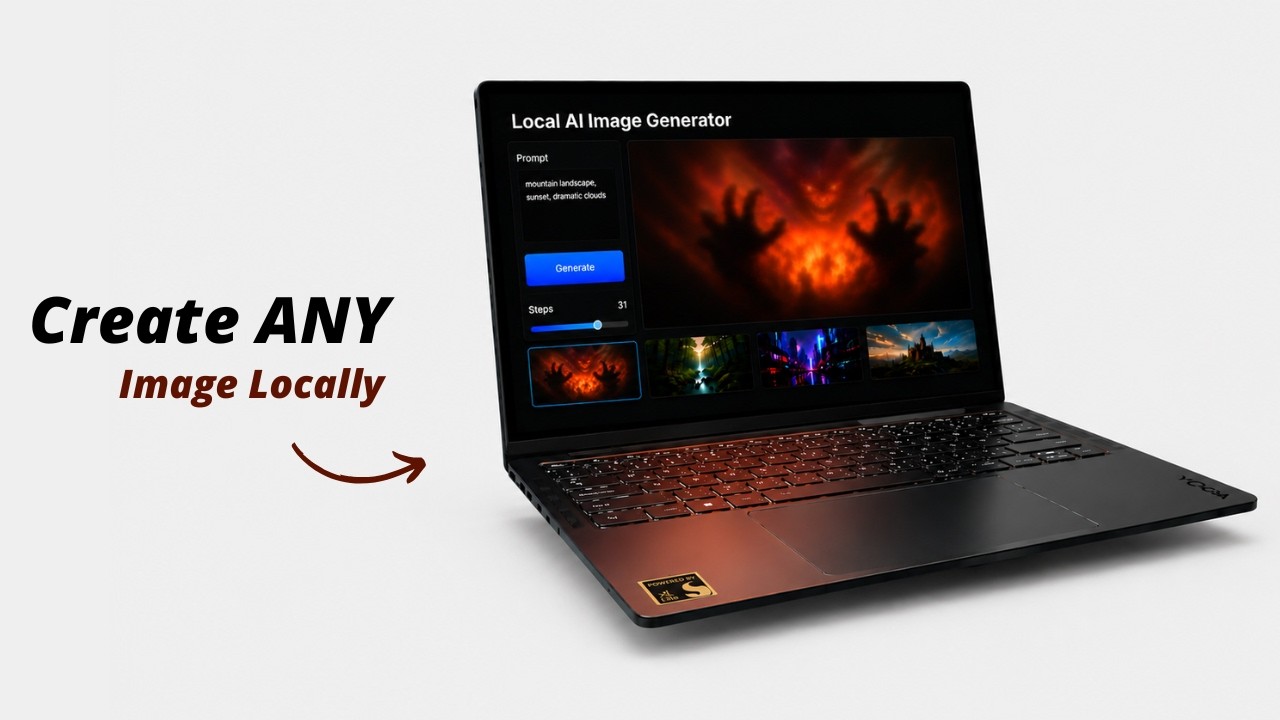
🖼️ Local AI Image Generator
An easy, zero-setup Stable Diffusion GUI for Windows, Linux, and macOS. Run GGUF & Safetensors models offline without Python configuration.
| Generation Workspace | Model Library | Image Constraints |
|---|---|---|
 |
 |
 |
🎥 Watch the Setup & Demo Video: https://youtu.be/ESELhY-G_9w
📖 Overview
Local AI Image Generator is a zero-configuration, portable desktop environment for running Stable Diffusion (Safetensors/GGUF/CKPT) offline on Windows, Linux, and macOS. Double-clicking start.bat (Windows) or running ./start.sh (Linux/macOS) automatically handles dependency setup, GPU backend matching, and launches a high-performance local web workspace.
⚡ Quick Start
Windows
- Launch: Double-click
start.bat(downloads portable Node.js and pre-compiled GPU backend binaries on first run). - Add Models: Drop
.safetensors,.gguf, or.ckptweights intoapp/models/(or download them via the Model Manager tab in the UI). - Generate: Open
http://localhost:1420in your browser, select your model, and write a prompt.
Linux
- Check compatibility: Prebuilt Linux backends are built on Ubuntu 24.04 and require glibc 2.38+. Run
ldd --versionto verify. - Launch: Open a terminal in the project folder and run
./start.sh(downloads portable Node.js and pre-compiled GPU backend binaries on first run).- For maximum AMD GPU performance, use
./start.sh --max-perfon first setup (adds the ROCm backend).
- For maximum AMD GPU performance, use
- Add Models: Drop
.safetensors,.gguf, or.ckptweights intoapp/models/(or download them via the Model Manager tab in the UI). - Generate: Open
http://localhost:1420in your browser, select your model, and write a prompt.
macOS
- Check compatibility: The prebuilt macOS backend is for Apple Silicon (M1 or newer) and uses Metal GPU acceleration.
- Launch: Open Terminal in the project folder and run
./start.sh(downloads portable Node.js and the pre-compiled Metal backend on first run). - Add Models: Drop
.safetensors,.gguf, or.ckptweights intoapp/models/(or download them via the Model Manager tab in the UI). - Generate: Open
http://localhost:1420in your browser, select your model, and write a prompt.
✨ Features
- 100% Offline & Private: Inference runs completely locally on your hardware.
- Auto-Detected GPU Acceleration: Configures CUDA for Nvidia cards, ROCm for AMD cards, Vulkan for AMD/Intel/NVIDIA fallback, and Metal for Apple Silicon Macs.
- Zero System Footprint: Node.js is sandboxed inside the folder. No global environment paths are altered.
- Integrated Model Manager: Paste a Hugging Face URL to download weights directly, or drag-and-drop local weight files to import them.
- Real-time Telemetry: Monitor RAM, VRAM, CPU, and GPU load directly in the UI.
- Local Gallery: Saves generated PNGs alongside prompt metadata JSONs to
app/outputs/.
📁 Repository Structure
local-ai-image-generator/
├── start.bat                  # Main double-click entrypoint (Windows)
├── start.sh                   # Main terminal entrypoint (Linux/macOS)
├── PLAN.md                    # Linux port implementation plan
├── LICENSE                    # MIT Open Source license
├── .gitignore
├── README.md
├── scripts/
│   ├── setup.ps1              # Automated GPU-detect and environment installer (Windows)
│   ├── setup.sh               # Automated GPU-detect and environment installer (Linux/macOS)
│   ├── reset.ps1              # Cleans runtime environments (Windows)
│   ├── reset.sh               # Cleans runtime environments (Linux/macOS)
│   └── serve.cjs              # UI web server and backend lifecycle manager
└── app/
    ├── frontend/              # UI source code (Vite + React)
    ├── models/                # Place weights here (.safetensors, .gguf, .ckpt)
    └── outputs/               # Saved images and parameters metadata
🖥️ GPU Compatibility Matrix
Windows
| GPU Vendor | Tech | Status | Notes |
|---|---|---|---|
| Nvidia | CUDA | ✅ Native | Maps sd-cuda.exe with Nvidia SDK 12 optimizations. |
| AMD Radeon | Vulkan | ✅ Native | Maps sd-vulkan.exe with Vulkan API acceleration. |
| Intel Arc | Vulkan | ✅ Native | Maps sd-vulkan.exe for Intel hardware. |
| Integrated / None | CPU | ⚠️ Fallback | Runs on logical CPU threads (slow). |
Linux
| GPU Vendor | Primary | Fallback | Notes |
|---|---|---|---|
| NVIDIA | Vulkan | CPU | No reliable prebuilt Linux CUDA binary is currently available. NVIDIA GPUs use Vulkan. |
| AMD Radeon | ROCm | Vulkan | ROCm provides best AMD performance when host ROCm drivers are available. |
| Intel Arc / integrated | Vulkan | CPU | Cross-vendor Vulkan support. |
| Integrated / None | CPU | — | Runs on logical CPU threads (slow). |
macOS
| Hardware | Primary | Fallback | Notes |
|---|---|---|---|
| Apple Silicon (M1 or newer) | Metal | CPU | Uses the official Darwin arm64 stable-diffusion.cpp backend. |
| Intel Mac | Source build required | CPU | Official prebuilt macOS backend is Apple Silicon only. |
System requirements:
- glibc 2.38 or newer is required for the prebuilt Linux backends (Ubuntu 24.04, Fedora 40+, etc.).
- The setup script will warn you if your glibc is older. You can still run setup, but the prebuilt backends will not start.
- Apple Silicon (M1 or newer) is required for the prebuilt macOS Metal backend.
Linux setup modes:
- Default (
./start.sh): Downloads CPU + Vulkan backends (~120–150 MB). - Maximum Performance (
./start.sh --max-perf): Also downloads the ROCm backend. Total download ~1.3 GB.
⏱️ Performance Benchmarks
Typical generation times for an image with 20 steps (e.g. 512x512 resolution; actual times can vary depending on specific hardware specifications, clock speeds, and system load):
- CUDA GPU (Nvidia RTX): ~10 seconds.
- ROCm GPU (AMD RDNA2/RDNA3): ~15–30 seconds.
- Vulkan GPU (AMD / Intel Arc): ~89 seconds.
- GTX Vulkan Fallback (Nvidia GTX): ~30 seconds (Vulkan runs significantly faster on legacy GTX series cards since they lack Tensor Cores).
- CPU (Fallback): ~150 - 300+ seconds (highly dependent on processor core count, speed, and AVX instruction sets).
🛠️ Troubleshooting
- Reset Environment: If a build fails or you want to clear dependencies, run
scripts/reset.ps1(Windows) orscripts/reset.sh(Linux/macOS). (This preserves your models and generated images). - Port Conflicts: The frontend uses
1420by default. The backend tries8080first, then automatically falls back to a free port if8080is already busy. - Linux backends fail to start with
GLIBC_2.38' not found: The prebuilt binaries require glibc 2.38+ (Ubuntu 24.04). Upgrade your distribution or build stable-diffusion.cpp from source (see below). - Linux ROCm not loading: Make sure your AMD GPU and kernel are compatible with ROCm 7.13. The app will automatically fall back to Vulkan if ROCm cannot initialize.
- Generation shows "server is not responding or crashed": The backend process exited. Check the terminal where you ran
./start.shfor the exact error (common causes are glibc mismatch, missing Vulkan drivers, or out-of-memory).
🔨 Building Linux Backends From Source
If your distribution has an older glibc than 2.38, or you want a CUDA backend on Linux, you can build stable-diffusion.cpp directly on your machine. The resulting binary will be linked against your system's glibc and will not have the compatibility issues of the prebuilt releases.
For macOS, the included scripts/build_from_source.sh builds the Metal backend and copies it to app/backend/mac/sd.
Requirements
git,cmake,make(orninja), and a C++17 compiler (g++/clang++).- For CUDA: the NVIDIA CUDA toolkit (
nvcc) must be on yourPATH. - For Vulkan: the Vulkan SDK / loader and a compatible driver.
- For ROCm: AMD ROCm development libraries.
- For macOS Metal: Apple Command Line Tools or Xcode.
Build commands
# 1. Clone upstream
git clone https://github.com/leejet/stable-diffusion.cpp.git
cd stable-diffusion.cpp
mkdir build && cd build

# 2. Configure for your backend (pick ONE)
# CPU only
cmake .. -DSD_BUILD_SHARED_LIBS=ON -DCMAKE_BUILD_TYPE=Release

# CUDA
cmake .. -DSD_CUDA=ON -DSD_BUILD_SHARED_LIBS=ON -DCMAKE_BUILD_TYPE=Release

# Vulkan
cmake .. -DSD_VULKAN=ON -DSD_BUILD_SHARED_LIBS=ON -DCMAKE_BUILD_TYPE=Release

# ROCm
cmake .. -DSD_HIPBLAS=ON -DSD_BUILD_SHARED_LIBS=ON -DCMAKE_BUILD_TYPE=Release

# macOS Metal
cmake .. -DSD_METAL=ON -DSD_BUILD_SHARED_LIBS=ON -DCMAKE_BUILD_TYPE=Release

# 3. Build
cmake --build . --config Release -j$(getconf _NPROCESSORS_ONLN 2>/dev/null || sysctl -n hw.ncpu)

# 4. Copy the binaries into this project
cp bin/sd* /path/to/Local-AI-Image-Generator/app/backend/linux/<backend>/
After copying, rename the server binary to match what scripts/serve.cjs expects:
- CPU:
sd→sd-cpu - Vulkan:
sd→sd-vulkan - ROCm:
sd→sd-rocm
Then restart the app with ./start.sh.
📝 License
This project is licensed under the MIT License - see the LICENSE file. Bundles stable-diffusion.cpp (MIT License). Model weights are subject to their respective creators' licenses.